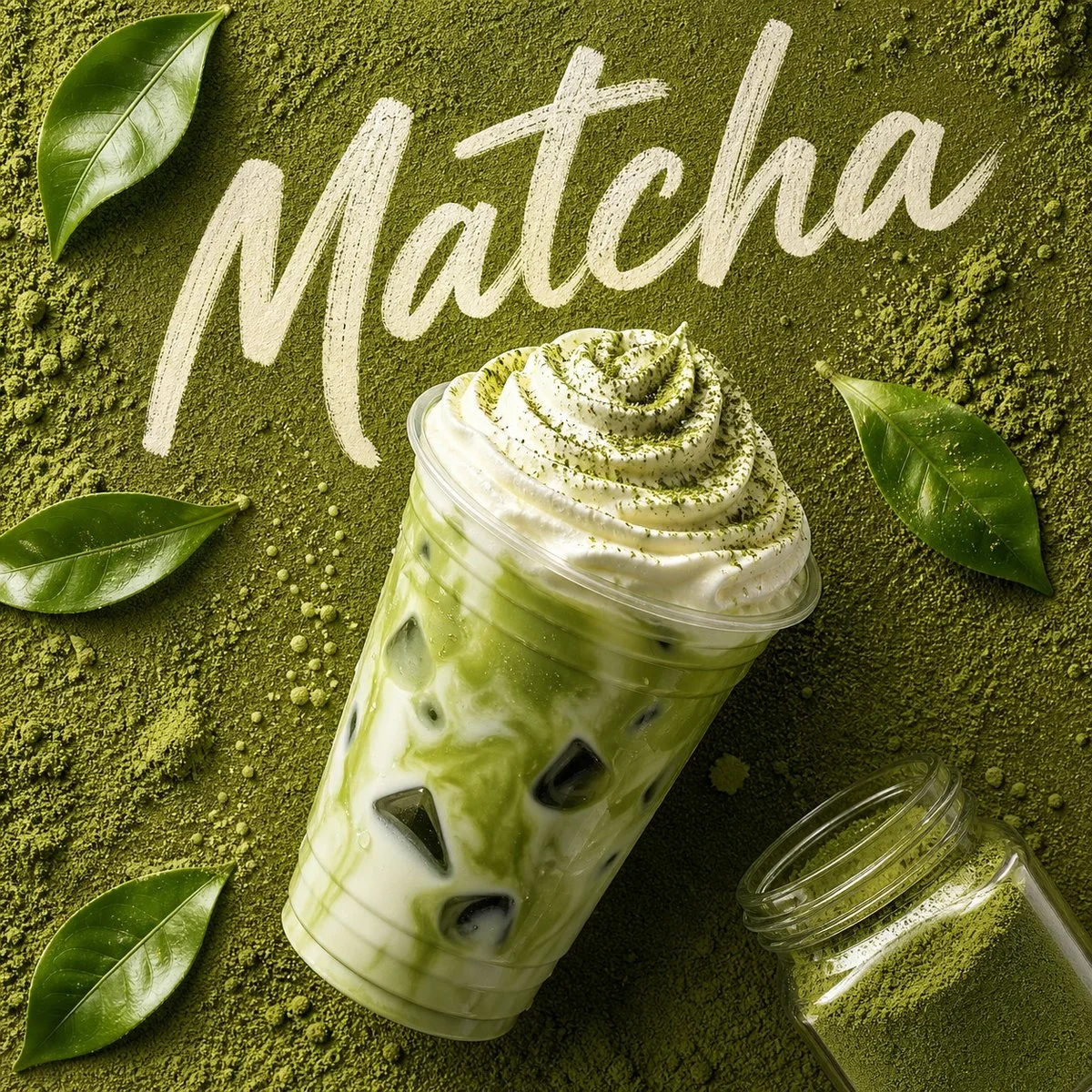
The prompt defines the subject, layout, negative space, and graphic treatment so the result can support a clear poster composition. Its strongest visual cues are minimal, food, commercial.
image prompt
Create an image in the "Plush Comic Toy Product Poster" style.
Aspect ratio: 9:16.
Scene: {{subject}} {{subjectAction}}, presented as {{productOrProp}}, placed in {{location}}. Use {{productTexture}}. Style the object with {{wardrobeStyle}}.
Layout: put the plush product large in the lower-middle frame, photographed as a tactile 3D product with a three-quarter view and soft studio shadow. Place {{backgroundElements}} around it. Add a large cyan circle or oval behind the product. Build the biggest graphic area from oversized tilted block typography using "{{mainText}}" as the campaign headline.
Typography: use the intended typography_language. Make the headline huge, angular, stacked, and slanted, with thick black outline and offset shadow. Add "the intended secondary_text" only as tiny campaign metadata or small label copy. Keep microcopy compact and decorative, not dominant.
Graphic language: retro cream poster background, turquoise and cyan anchor color, lemon yellow headline block, signal red headline block, heavy black shadows, sticker-like labels, doodle icons, arrows, lightning-bolt patches, warning-card shapes, and the intended accent_symbol. Combine soft plush 3D texture with flat printed poster graphics.
Do not include watermarks, usernames, creator IDs, QR codes, platform logos, app marks, copied reference text, copied brand names, or copied license-plate details.
--- VARIABLES ---
the intended accent_symbol — lightning bolt, arrow capsule, doodle fish, cloud puff, speed line, hazard triangle, steam doodle, or stitched patch
the intended background_elements — large cyan circle, giant tilted block headline, doodle icons, sticker labels, lightning patches, warning-card graphic, small product metadata
the intended location — cream studio poster backdrop, toy catalog set, tabletop product stage, campaign poster scene, or flat editorial background
the intended main_text — short loud campaign headline, preferably 1 to 4 words
the intended product_or_prop — plush car, scooter, radio, vending machine, snack pack, mini bus, camera, delivery pod, noodle cart, or featured toy object
the intended product_texture — dense fuzzy plush fiber, soft seams, raised fabric patches, embroidered symbols, matte toy finish
the intended secondary_text — small product-series caption, tiny spec label, date line, mock catalog note, or playful warning label
the intended subject — main plush product, toy vehicle, mascot object, gadget, food mascot, or collectible prop
the intended subject_action — parked, bouncing, leaning forward, racing, floating, charging, wobbling, or posing like a hero product
the intended typography_language — Latin block type, CJK-style display type, or mixed poster typography without copied reference wording
the intended wardrobe_style — not applicable for objects; use plush surface styling, sewn patches, fuzzy trim, cartoon eyes, and toy-like color blocking
--- NEGATIVE PROMPT ---
watermark, username, creator ID, QR code, platform logo, app mark, copied reference text, copied brand name, copied license plate, exact duplicate plush car, minimalist luxury ad, glossy plastic without fibers, realistic car commercial, dark horror mood, dystopian cyberpunk, busy city background, elegant thin serif headline, unreadable paragraph-heavy layout, app screenshot UI
Tune the prompt, not the plumbing.
Every control comes from this prompt’s content schema. Changes stay in your browser and update instantly.
Customized prompt3420 characters
Create an image in the "Plush Comic Toy Product Poster" style.
Aspect ratio: 9:16.
Scene: the main subject from your reference the intended subject action, presented as the intended product or prop, placed in a rain-lit city street. Use the intended product texture. Style the object with the intended wardrobe style.
Layout: put the plush product large in the lower-middle frame, photographed as a tactile 3D product with a three-quarter view and soft studio shadow. Place specific background elements around it. Add a large cyan circle or oval behind the product. Build the biggest graphic area from oversized tilted block typography using "the intended main text" as the campaign headline.
Typography: use the intended typography_language. Make the headline huge, angular, stacked, and slanted, with thick black outline and offset shadow. Add "the intended secondary_text" only as tiny campaign metadata or small label copy. Keep microcopy compact and decorative, not dominant.
Graphic language: retro cream poster background, turquoise and cyan anchor color, lemon yellow headline block, signal red headline block, heavy black shadows, sticker-like labels, doodle icons, arrows, lightning-bolt patches, warning-card shapes, and the intended accent_symbol. Combine soft plush 3D texture with flat printed poster graphics.
Do not include watermarks, usernames, creator IDs, QR codes, platform logos, app marks, copied reference text, copied brand names, or copied license-plate details.
--- VARIABLES ---
the intended accent_symbol — lightning bolt, arrow capsule, doodle fish, cloud puff, speed line, hazard triangle, steam doodle, or stitched patch
the intended background_elements — large cyan circle, giant tilted block headline, doodle icons, sticker labels, lightning patches, warning-card graphic, small product metadata
the intended location — cream studio poster backdrop, toy catalog set, tabletop product stage, campaign poster scene, or flat editorial background
the intended main_text — short loud campaign headline, preferably 1 to 4 words
the intended product_or_prop — plush car, scooter, radio, vending machine, snack pack, mini bus, camera, delivery pod, noodle cart, or featured toy object
the intended product_texture — dense fuzzy plush fiber, soft seams, raised fabric patches, embroidered symbols, matte toy finish
the intended secondary_text — small product-series caption, tiny spec label, date line, mock catalog note, or playful warning label
the intended subject — main plush product, toy vehicle, mascot object, gadget, food mascot, or collectible prop
the intended subject_action — parked, bouncing, leaning forward, racing, floating, charging, wobbling, or posing like a hero product
the intended typography_language — Latin block type, CJK-style display type, or mixed poster typography without copied reference wording
the intended wardrobe_style — not applicable for objects; use plush surface styling, sewn patches, fuzzy trim, cartoon eyes, and toy-like color blocking
--- NEGATIVE PROMPT ---
watermark, username, creator ID, QR code, platform logo, app mark, copied reference text, copied brand name, copied license plate, exact duplicate plush car, minimalist luxury ad, glossy plastic without fibers, realistic car commercial, dark horror mood, dystopian cyberpunk, busy city background, elegant thin serif headline, unreadable paragraph-heavy layout, app screenshot UI
Useful structure, room to move.
The prompt defines the subject, layout, negative space, and graphic treatment so the result can support a clear poster composition. Its strongest visual cues are minimal, food, commercial.
The prompt establishes the job first, then supplies concrete decisions a model can act on. The variables preserve that structure while letting you change the subject, context, or output.
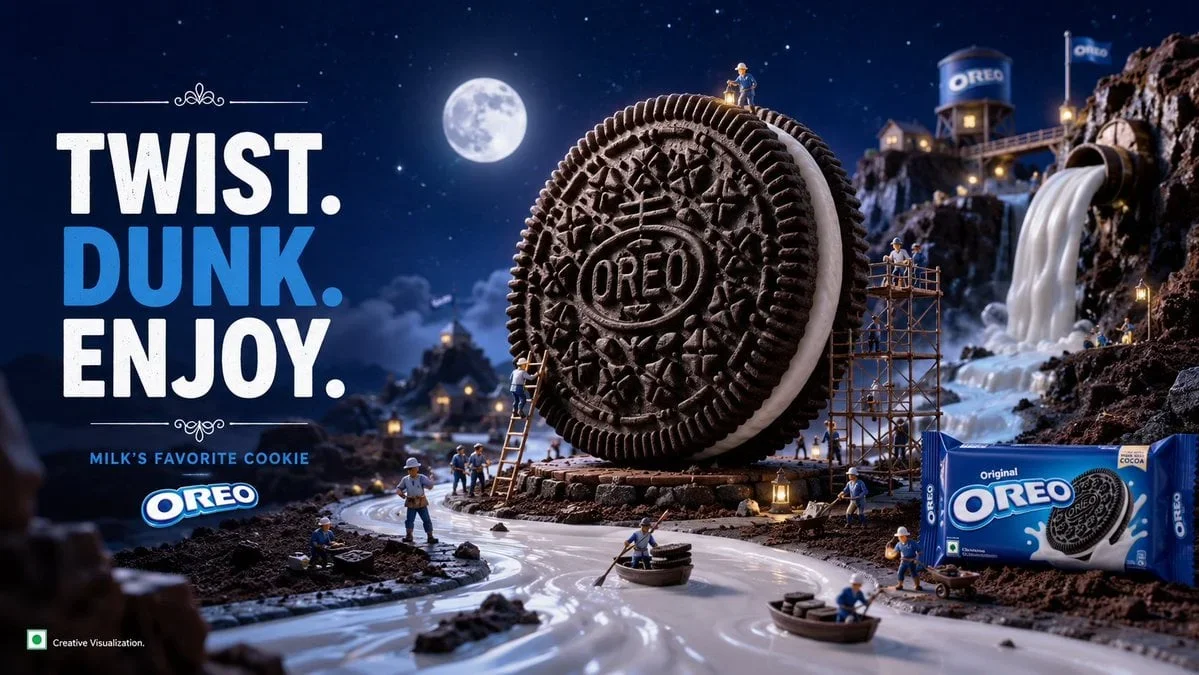
Ultra-Detailed Premium Travel-Food Advertisement Poster For [City/Country]: Design a poster with a strong focal hierarchy, controlled palette, and intentional print character.


![Ultra-Detailed Premium Travel-Food Advertisement Poster For [City/Country] — image prompt preview](/previews/imported/ultra-detailed-premium-travel-food-advertisement-poster-for-city-country.webp)