Portraits
Split Screen Art Creation
Split Screen Art Creation: Direct an expressive portrait with intentional lighting, styling, and photographic character.
Split Screen Art Creation: Direct an expressive portrait with intentional lighting, styling, and photographic character.
The prompt anchors identity, pose, expression, wardrobe, and light to keep the portrait coherent while preserving natural texture and dimensionality. Its strongest visual cues are photorealistic, photography, cinematic.
Every control comes from this prompt’s content schema. Changes stay in your browser and update instantly.
The prompt anchors identity, pose, expression, wardrobe, and light to keep the portrait coherent while preserving natural texture and dimensionality. Its strongest visual cues are photorealistic, photography, cinematic.
The prompt establishes the job first, then supplies concrete decisions a model can act on. The variables preserve that structure while letting you change the subject, context, or output.
Confident Young Cute Brown Skin African American: Direct an expressive portrait with intentional lighting, styling, and photographic character.
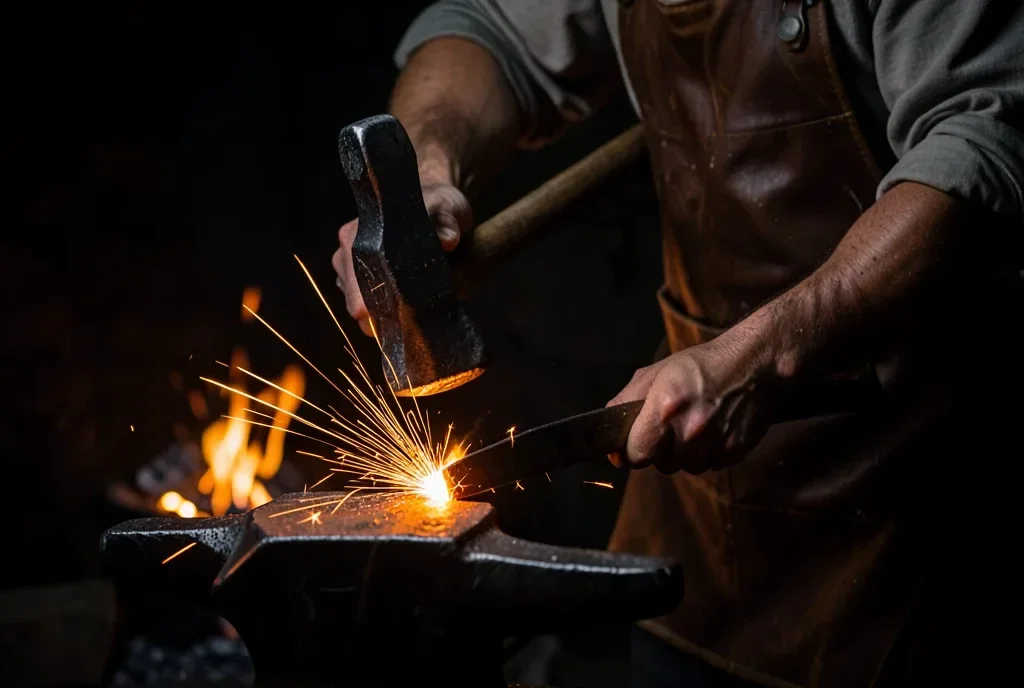
Blacksmith Forge Hammer Strike: Direct an expressive portrait with intentional lighting, styling, and photographic character.
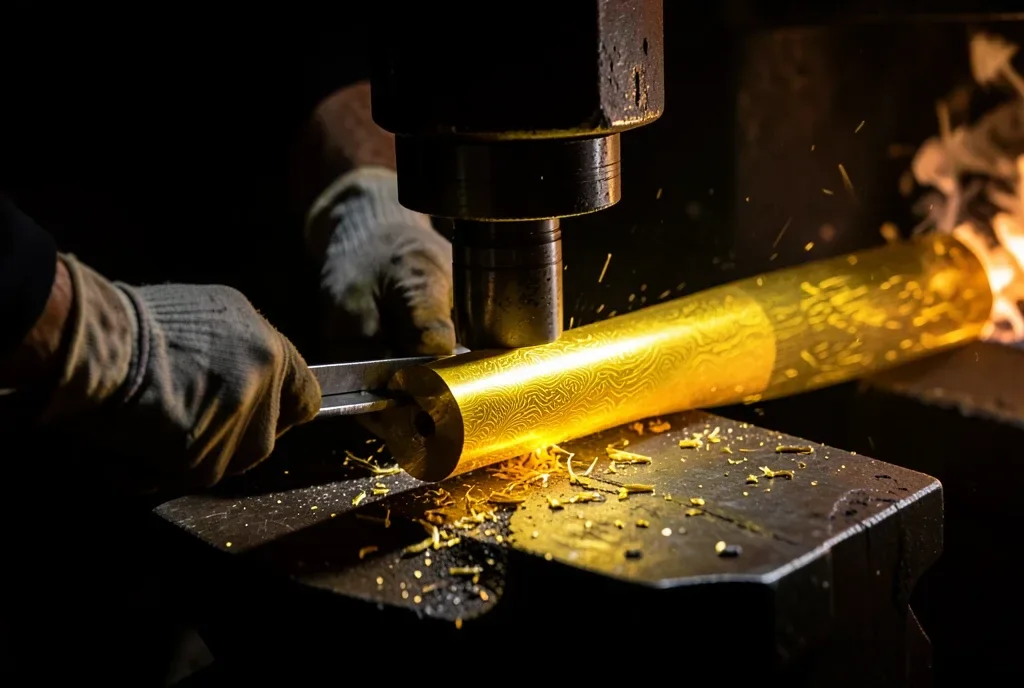
Knife Forging Billet: Direct an expressive portrait with intentional lighting, styling, and photographic character.
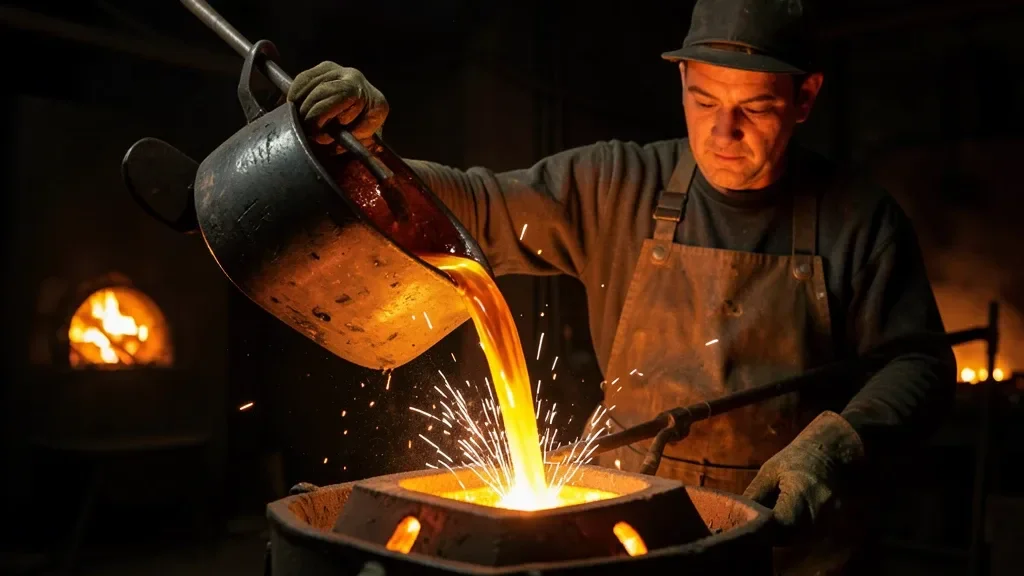
Lost-Wax Bronze Casting Pour: Direct an expressive portrait with intentional lighting, styling, and photographic character.