Illustration
Step-by-Step Tutorial Diagram
Step-by-Step Tutorial Diagram: Create a cohesive illustration with purposeful shape language, palette, and visual storytelling.
The direction connects subject, composition, rendering style, and texture so stylization remains consistent throughout the image. Its strongest visual cues are photorealistic, cinematic.
Every control comes from this prompt’s content schema. Changes stay in your browser and update instantly.
The direction connects subject, composition, rendering style, and texture so stylization remains consistent throughout the image. Its strongest visual cues are photorealistic, cinematic.
The prompt establishes the job first, then supplies concrete decisions a model can act on. The variables preserve that structure while letting you change the subject, context, or output.
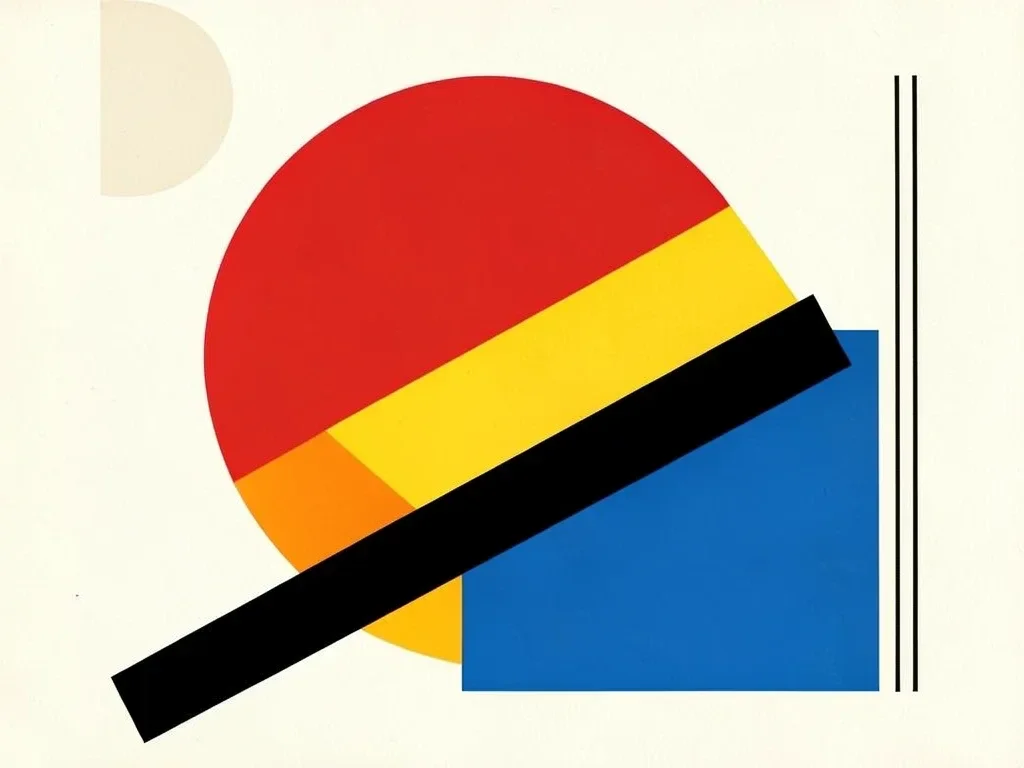
Abstract Geometric Bauhaus Composition: Create a cohesive illustration with purposeful shape language, palette, and visual storytelling.
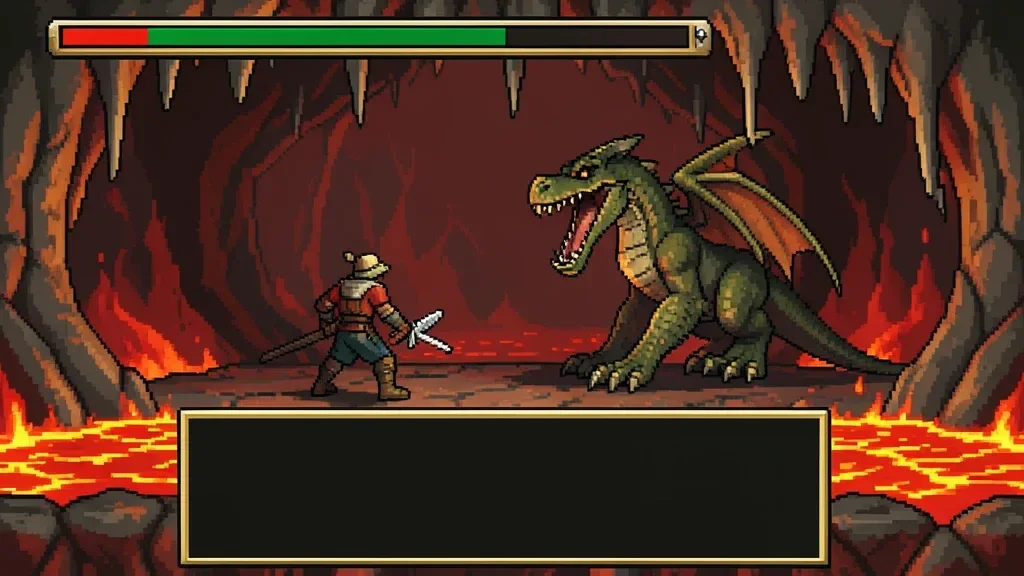
Pixel Art RPG Battle Scene: Create a cohesive illustration with purposeful shape language, palette, and visual storytelling.
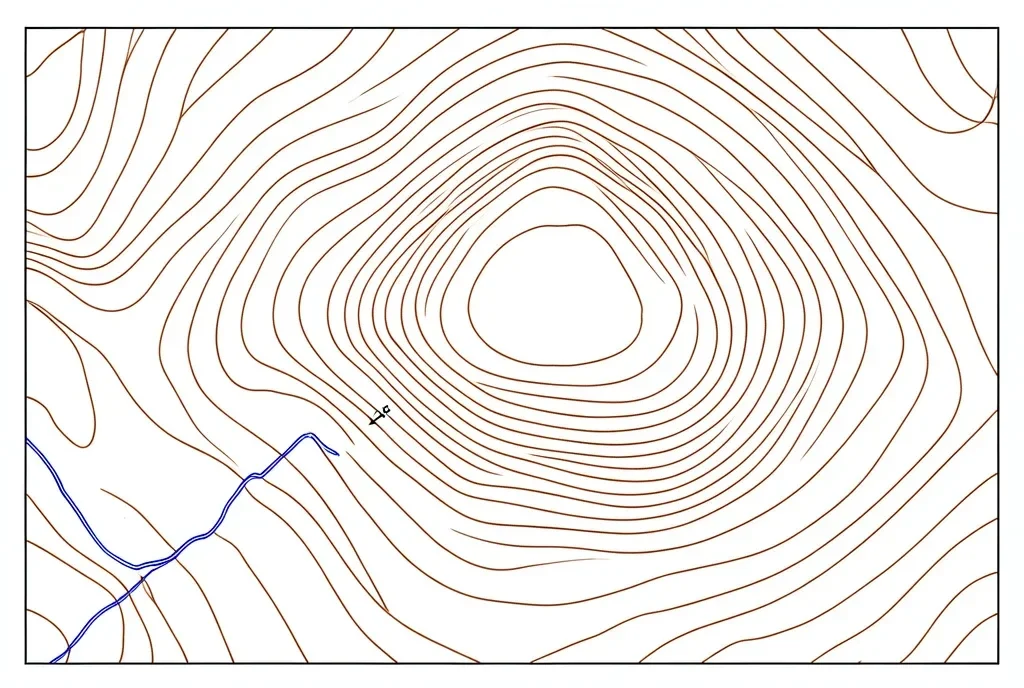
Topographic Map Contour Study: Create a cohesive illustration with purposeful shape language, palette, and visual storytelling.
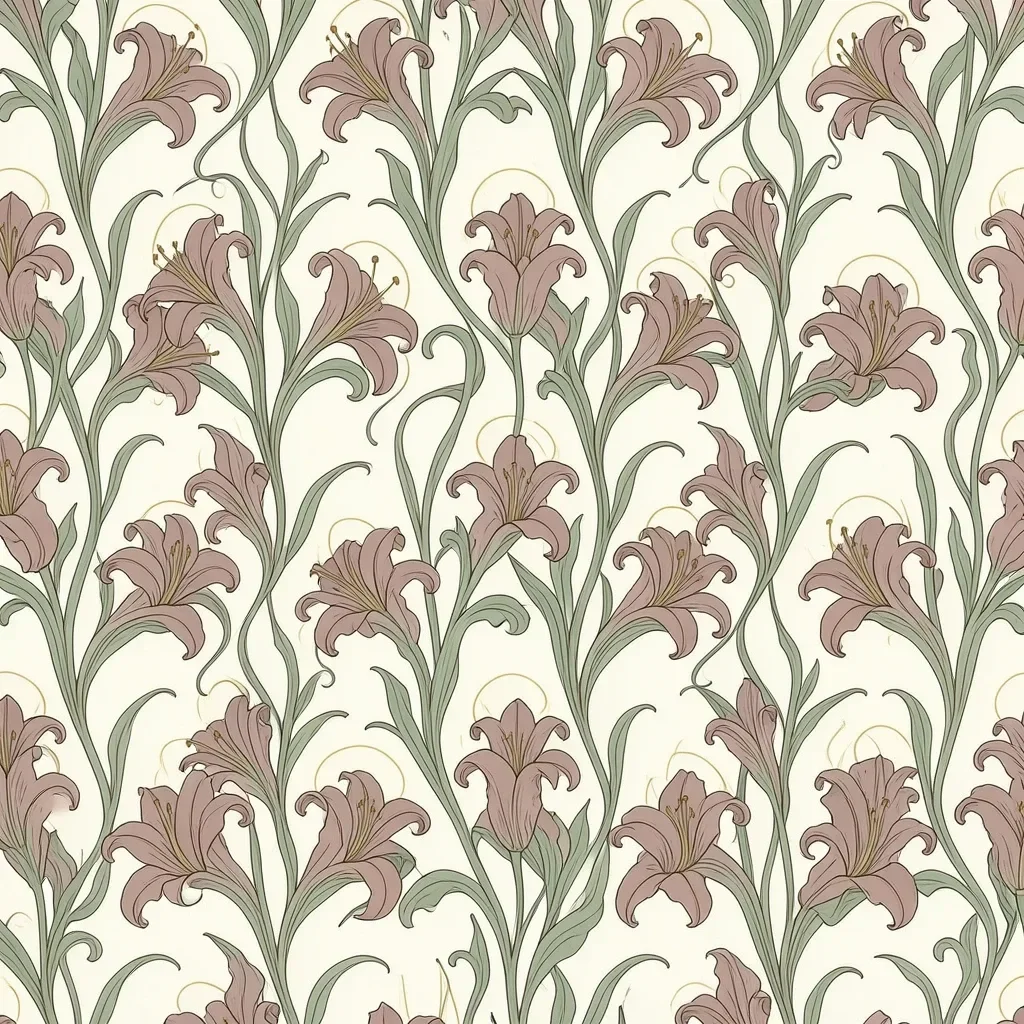
Art Nouveau Lily Seamless Pattern: Create a cohesive illustration with purposeful shape language, palette, and visual storytelling.