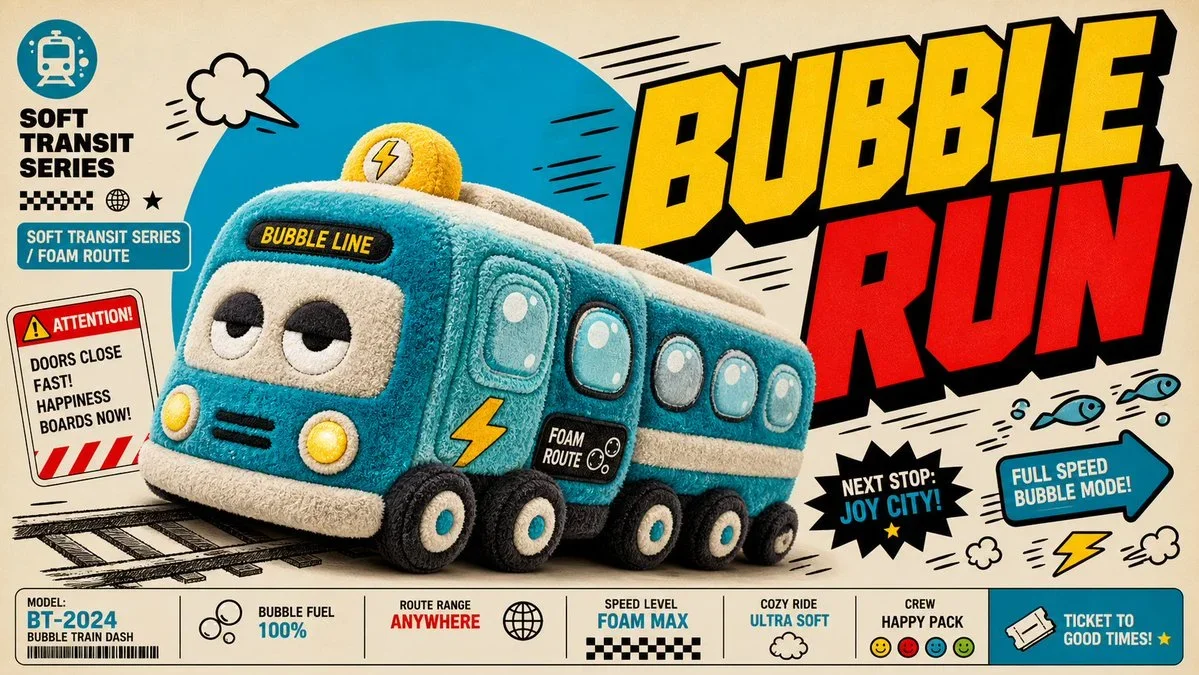
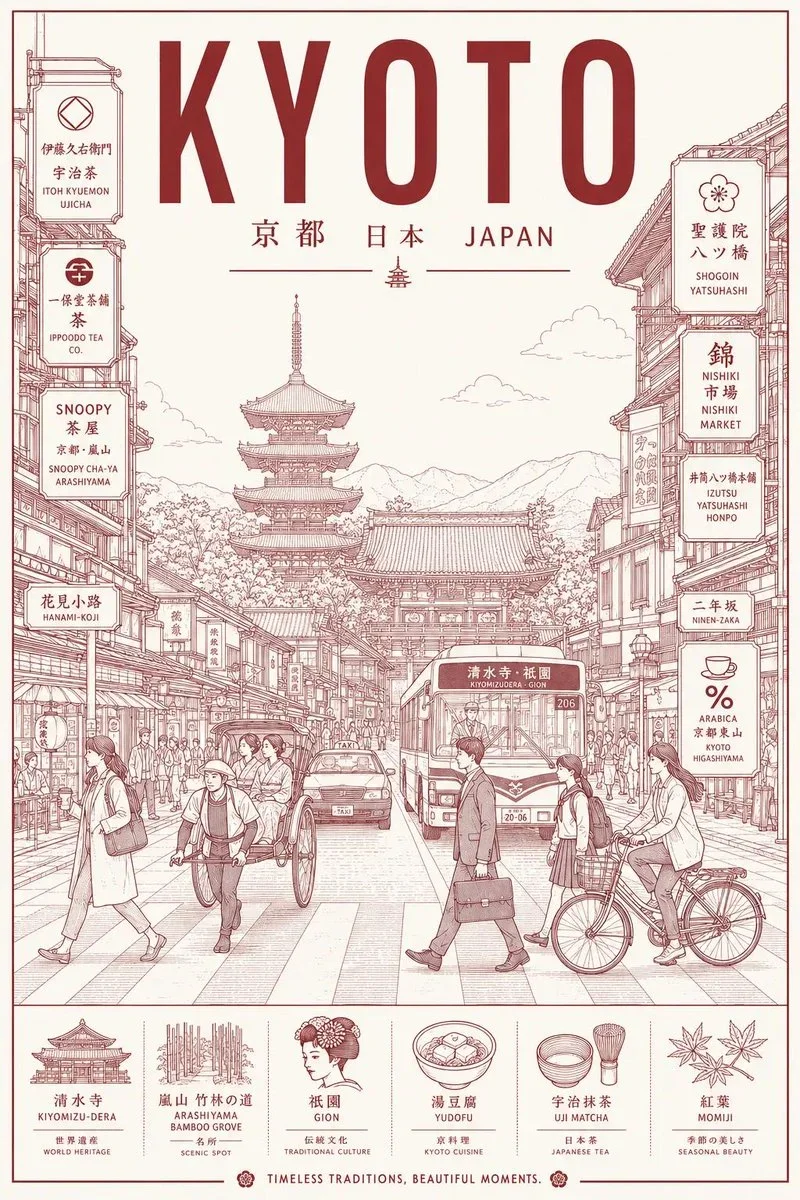
The prompt defines the subject, layout, negative space, and graphic treatment so the result can support a clear poster composition. Its strongest visual cues are minimal, food, typography.
image prompt
Create an image in blue-bubble-fisheye-action-poster-style.
Aspect ratio: 9:16.
Scene: {{subject}} {{subjectAction}}, featuring {{productOrProp}}, in {{location}}. Include {{backgroundElements}}. Style the subject with {{wardrobeStyle}}.
Photography: use an extreme low-angle fisheye or action-camera lens, very close to the foreground object, with barrel distortion, edge stretching, motion blur near the edges, bright daylight, blue sky or open high-key light, crisp highlights, realistic skin, fabric, product surfaces, and believable anatomy.
Layout: build a clean white editorial poster canvas with a central rectangular action photo. Let one foreground hand, foot, prop, or product detail become huge and optionally break past the photo rectangle into the white margin. Keep the poster layer flat, precise, and uncluttered.
Typography: set "{{mainText}}" as massive rounded royal-blue bubble lettering cropped behind or above the photo block. Keep supporting text small, geometric, and blue. Add "{{secondaryText}}" only as compact editorial microcopy in the bottom margin.
Graphic system: include the intended accent_symbol, a small non-scannable stripe block, and balanced lower-margin caption groups. Use a rough red marker circle to highlight one product or movement detail.
Avoid: watermarks, usernames, creator IDs, platform logos, app interface marks, QR codes, scannable barcodes, copied reference people, copied poses, copied text, recognizable logos, brand-owned product marks, long paragraphs, cluttered collage, dark cyberpunk lighting, luxury minimalism, flat vector substitutes, SVG or HTML mockup looks, distorted faces, extra limbs, extra fingers, malformed hands, and unreadable main headline.
--- VARIABLES ---
the intended accent_symbol — red hand-drawn circle, thin underline, tiny blue divider, or non-scannable stripe block
the intended background_elements — blue sky, motion-blurred edges, white poster margin, rectangular photo crop, oversized blue bubble headline, small editorial text blocks, non-scannable stripe code, and red hand-drawn circle annotation
the intended location — sunny urban roof, bright plaza, skateable concrete space, clean market aisle, public court, workshop, studio patio, transit deck, or open daylight environment
the intended main_text — short rounded headline, 1 to 2 words, set as huge blue bubble lettering cropped behind or above the photo
the intended product_or_prop — featured object, shoe, bag, tool, instrument, food item, plant crate, wearable, device, or product detail that can be emphasized by perspective
the intended secondary_text — small two-line editorial caption or slogan in blue, placed near the lower margin
the intended subject — adult action subject, performer, courier, maker, athlete, rider, dancer, chef, technician, or product model
the intended subject_action — lunging toward the lens, reaching across the frame, jumping over the camera, presenting a prop, balancing in motion, or landing in a dramatic wide-angle pose
the intended wardrobe_style — casual streetwear, sport utility layers, shorts, sneakers, sunglasses, cap, apron, technical vest, or color-blocked everyday clothing
--- NEGATIVE PROMPT ---
watermark, username, creator ID, platform logo, app interface, QR code, scannable barcode, copied PUNK text, copied reference slogan, copied creator credit, copied skateboarder, exact original pose, exact shoe brand mark, recognizable logo, long paragraph text, cluttered collage, dark cyberpunk scene, luxury beige editorial, flat vector substitute, SVG look, HTML mockup, canvas drawing, distorted face, extra limbs, extra fingers, malformed hands, unreadable main headline
Tune the prompt, not the plumbing.
Every control comes from this prompt’s content schema. Changes stay in your browser and update instantly.
Customized prompt3774 characters
Create an image in blue-bubble-fisheye-action-poster-style.
Aspect ratio: 9:16.
Scene: the main subject from your reference the intended subject action, featuring the intended product or prop, in a rain-lit city street. Include specific background elements. Style the subject with the intended wardrobe style.
Photography: use an extreme low-angle fisheye or action-camera lens, very close to the foreground object, with barrel distortion, edge stretching, motion blur near the edges, bright daylight, blue sky or open high-key light, crisp highlights, realistic skin, fabric, product surfaces, and believable anatomy.
Layout: build a clean white editorial poster canvas with a central rectangular action photo. Let one foreground hand, foot, prop, or product detail become huge and optionally break past the photo rectangle into the white margin. Keep the poster layer flat, precise, and uncluttered.
Typography: set "the intended main text" as massive rounded royal-blue bubble lettering cropped behind or above the photo block. Keep supporting text small, geometric, and blue. Add "the intended secondary text" only as compact editorial microcopy in the bottom margin.
Graphic system: include the intended accent_symbol, a small non-scannable stripe block, and balanced lower-margin caption groups. Use a rough red marker circle to highlight one product or movement detail.
Avoid: watermarks, usernames, creator IDs, platform logos, app interface marks, QR codes, scannable barcodes, copied reference people, copied poses, copied text, recognizable logos, brand-owned product marks, long paragraphs, cluttered collage, dark cyberpunk lighting, luxury minimalism, flat vector substitutes, SVG or HTML mockup looks, distorted faces, extra limbs, extra fingers, malformed hands, and unreadable main headline.
--- VARIABLES ---
the intended accent_symbol — red hand-drawn circle, thin underline, tiny blue divider, or non-scannable stripe block
the intended background_elements — blue sky, motion-blurred edges, white poster margin, rectangular photo crop, oversized blue bubble headline, small editorial text blocks, non-scannable stripe code, and red hand-drawn circle annotation
the intended location — sunny urban roof, bright plaza, skateable concrete space, clean market aisle, public court, workshop, studio patio, transit deck, or open daylight environment
the intended main_text — short rounded headline, 1 to 2 words, set as huge blue bubble lettering cropped behind or above the photo
the intended product_or_prop — featured object, shoe, bag, tool, instrument, food item, plant crate, wearable, device, or product detail that can be emphasized by perspective
the intended secondary_text — small two-line editorial caption or slogan in blue, placed near the lower margin
the intended subject — adult action subject, performer, courier, maker, athlete, rider, dancer, chef, technician, or product model
the intended subject_action — lunging toward the lens, reaching across the frame, jumping over the camera, presenting a prop, balancing in motion, or landing in a dramatic wide-angle pose
the intended wardrobe_style — casual streetwear, sport utility layers, shorts, sneakers, sunglasses, cap, apron, technical vest, or color-blocked everyday clothing
--- NEGATIVE PROMPT ---
watermark, username, creator ID, platform logo, app interface, QR code, scannable barcode, copied PUNK text, copied reference slogan, copied creator credit, copied skateboarder, exact original pose, exact shoe brand mark, recognizable logo, long paragraph text, cluttered collage, dark cyberpunk scene, luxury beige editorial, flat vector substitute, SVG look, HTML mockup, canvas drawing, distorted face, extra limbs, extra fingers, malformed hands, unreadable main headline
Useful structure, room to move.
The prompt defines the subject, layout, negative space, and graphic treatment so the result can support a clear poster composition. Its strongest visual cues are minimal, food, typography.
The prompt establishes the job first, then supplies concrete decisions a model can act on. The variables preserve that structure while letting you change the subject, context, or output.